Concur Horizon Theme Quick Guide
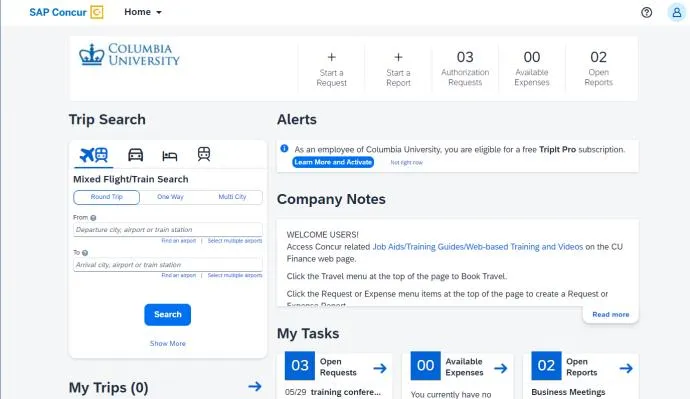
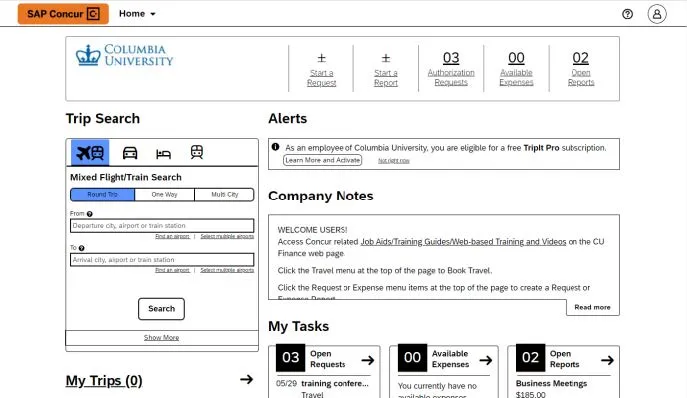
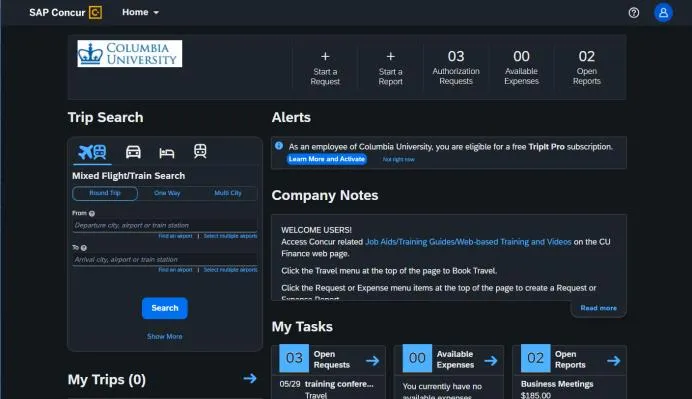
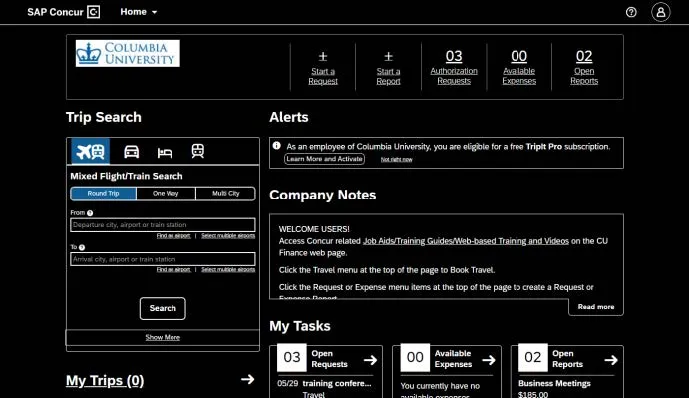
However, you will be able to choose between Morning Horizon (light theme) and Evening Horizon (dark theme), or enable High Contrast mode for accessibility purposes.
Last Revision: February 2024
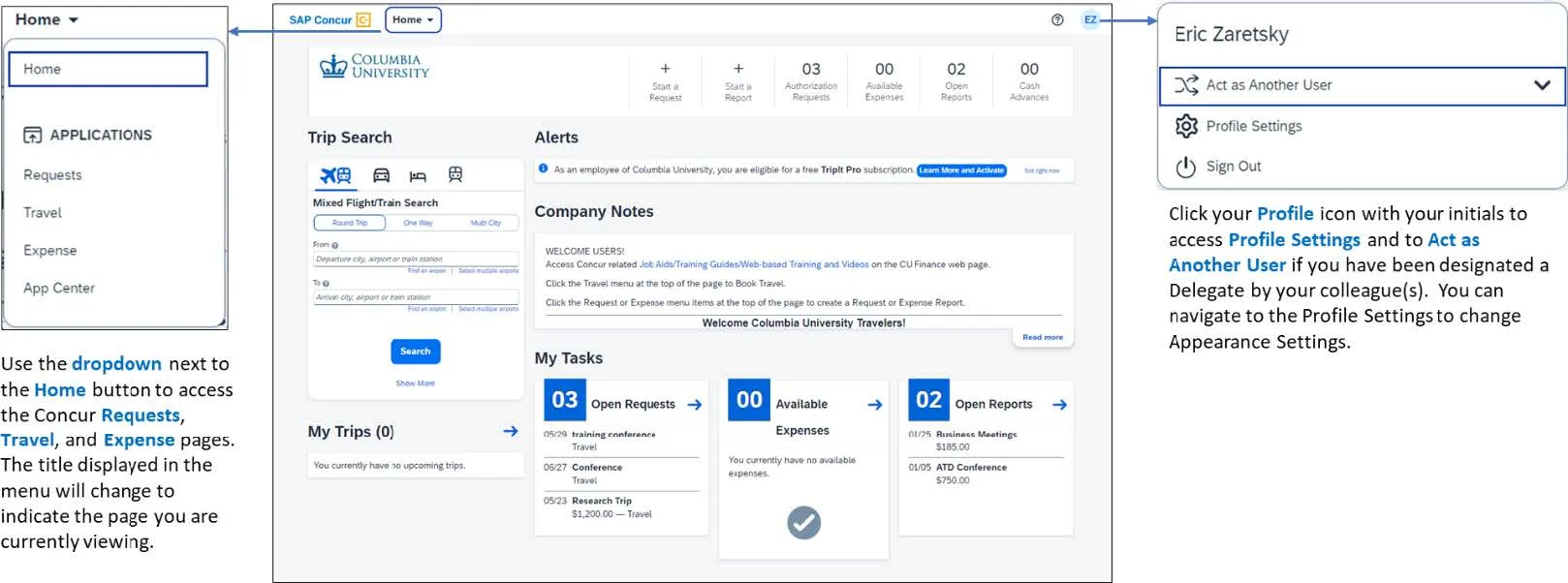
Changing Appearance Settings
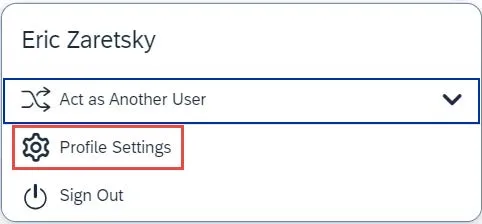
- From your Profile icon, navigate to Profile Settings.
- Select the System Settings tab.
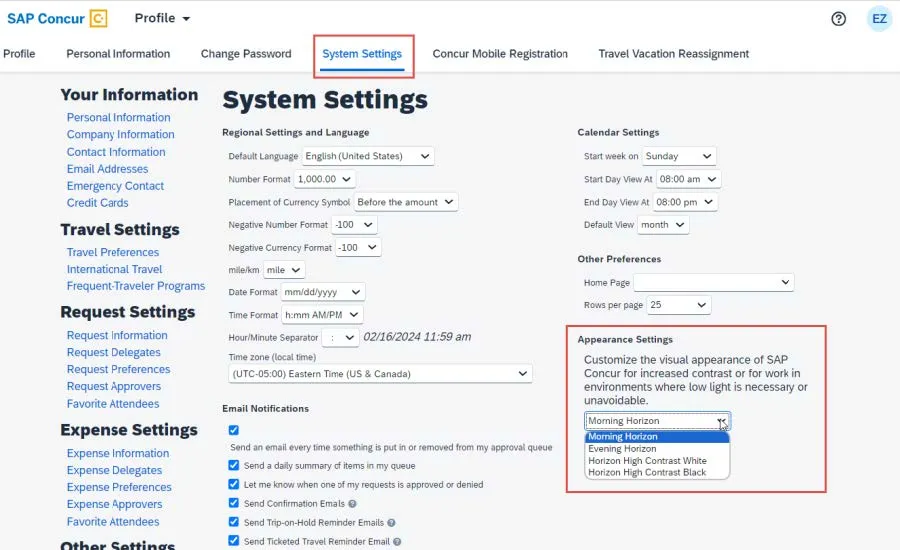
- Select the desired option from the Appearance Settings dropdown.
- Click the Save button.
Appearance Options