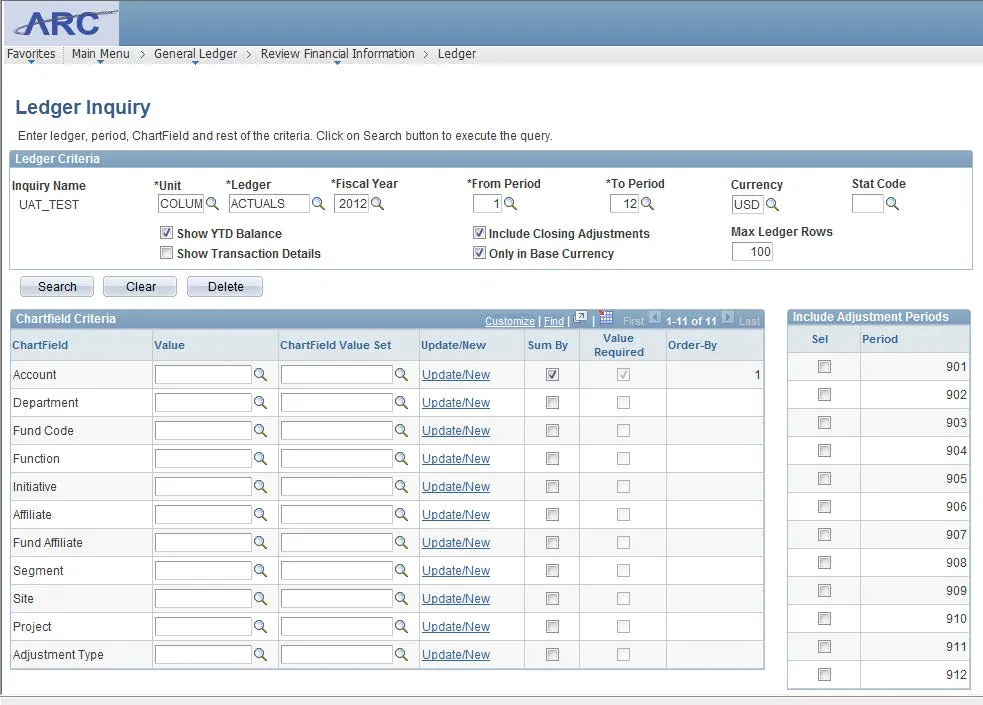
Ledger Inquiry
This job aid contains instructions on how to use the ledger inquiry page in ARC.
Last Revision: December 2021
-
Navigate to NavBar > General Ledger > Review Financial Information > Ledger.
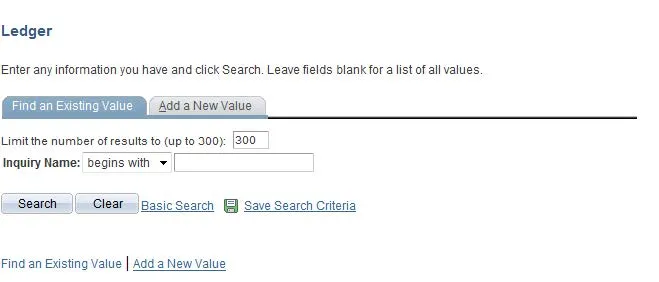
- Click the Add a New Value tab and enter an inquiry name.
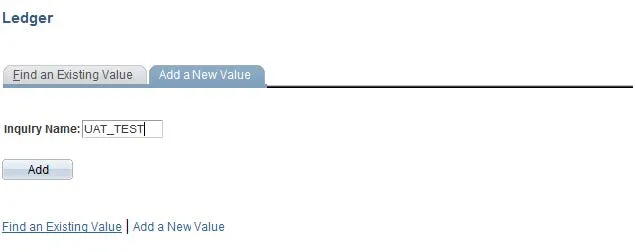
- Click Add.
- Enter the desired information for the Ledger Criteria (fields with an asterisk ‘*’ are required).
- Click Search.