Running a Query in ARC
This job aid contains information on how to run a query from ARC.
Last Revision: December 2021
- From ARC’s home page navigate to the Reporting and Monitoring tile.
- You can either use the 'Basic Search' or the 'Advanced Search' when searching for existing queries.
- The Basic Search is useful when you know what the query name or the description of the query begins with.
- The Advanced Search allows for more flexibility. You can specify additional search methods for the desired fields (e.g. equals, does not equal, contains etc).

- All ARC queries follow the naming convention ‘CU_MODULE_DESCRIPTION’. Therefore, if you search by ‘CU_AP’, the search result will display all public AP queries.
- Once you locate the query you wish to run, you have the following options:
- Run the query to HTML (query results are displayed in a new web browser)
- Run the query to Excel (query results are displayed in an Excel document)
- Run the query to XML (query results are displayed in an XML document)
- Schedule the query to be run within a specific date range
- Add the query to your list of Favorites

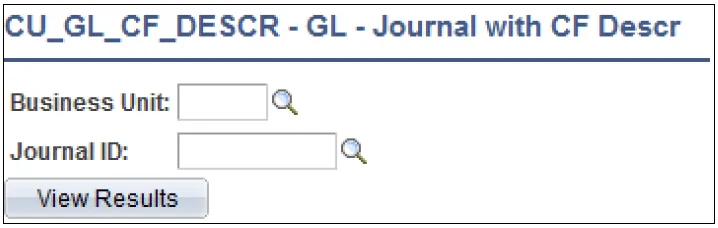
- Select the output option to run the query to, enter values for the prompt(s), and click ‘View Results’.
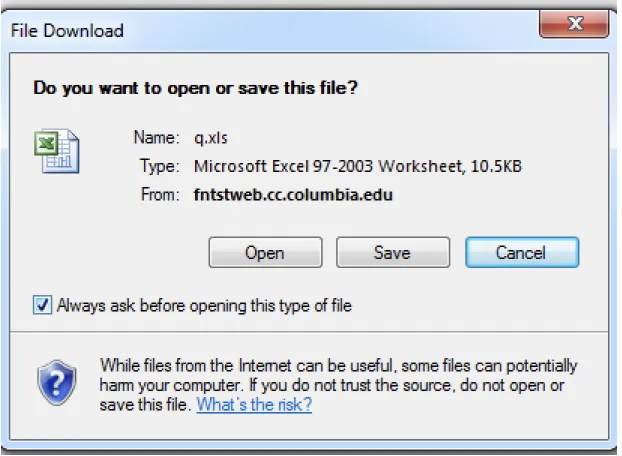
- If Excel is the output option selected, a separate Excel spreadsheet with the results will open.